Newsletter Studio - User profile and settings (theme, backup and automatic services)
In this guide we look at the user profile and the settings of Newsletter Studio.
We see the program language, the profile with license, AI tokens, picture and personal details, then the settings: the theme (system, light, dark and Midnight), data backup and restore, the automatic services (bounce, subscription, unsubscribe and statistics checks) and how often they run, and the About window.
Video chapters
- 0:00 Introduction
- 0:22 Program language
- 0:35 The user profile
- 0:58 Account data and details
- 1:18 Editing your details
- 1:38 Settings
- 1:50 Theme
- 2:08 Backup and restore
- 2:34 Automatic services
- 2:51 Service frequency
- 3:08 About
- 3:23 Conclusion
Useful resources
Download Newsletter StudioTopics covered
Watch other videos
Discover the other available guides
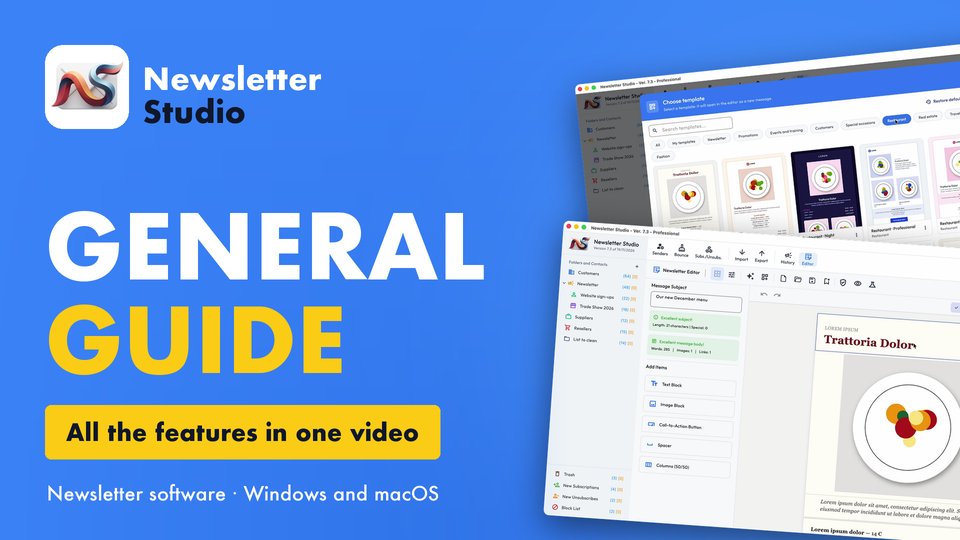
Newsletter Studio - General guide: all the features in one video
Discover in a few minutes all the main features of Newsletter Studio, the software to create, send and measure your newsletters directly from your…
Watch the video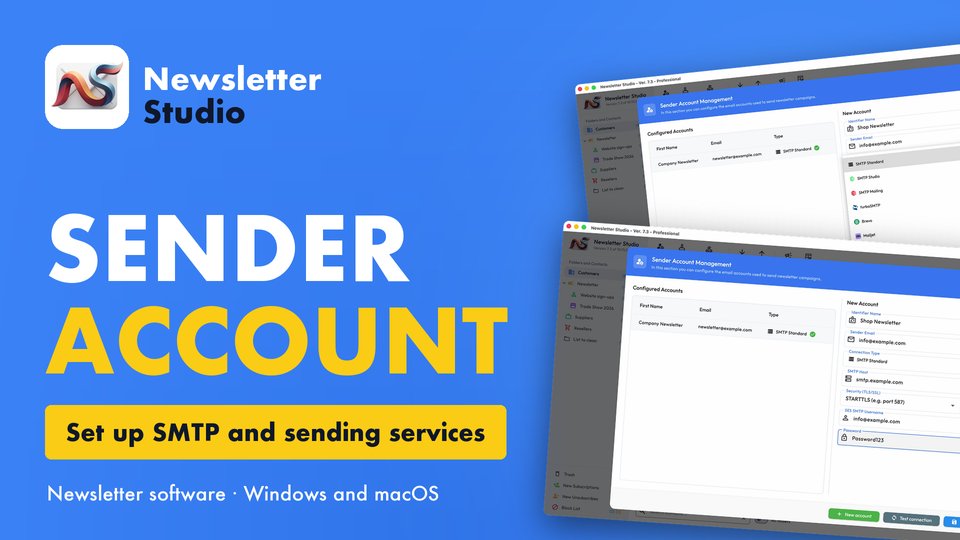
Newsletter Studio - How to create a sender account (SMTP, Brevo, Mailgun and more)
In this guide we see step by step how to create a sender account in Newsletter Studio, the email address your newsletters are sent from.
Watch the video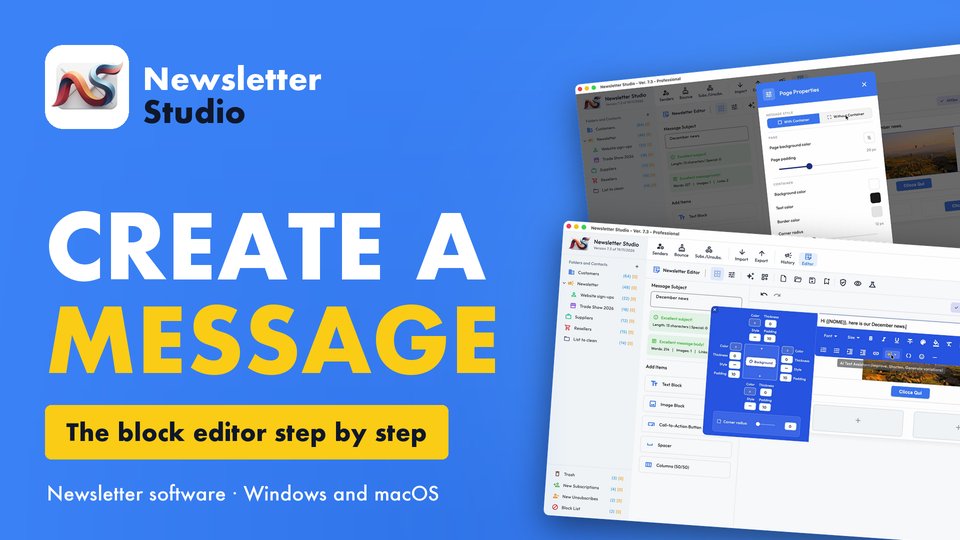
Newsletter Studio - How to create a message with the block editor
A complete guide to the Newsletter Studio editor: how to create a professional newsletter from scratch, compatible with all email programs and easy…
Watch the video