Newsletter Studio - Import and export contacts (Excel, CSV, e-commerce and CRM)
In this guide we see in detail how to import and export contacts with Newsletter Studio.
We look at importing from Excel, CSV and text files and the direct connections to WooCommerce, Shopify, PrestaShop, Magento, OpenCart, BigCommerce, HubSpot, Pipedrive, Salesforce, Zoho, ActiveCampaign and Odoo. Then the import wizard with preview, duplicate handling and column matching, and exporting to Excel, CSV, JSON and XML.
Video chapters
- 0:00 Introduction
- 0:22 Where to import from
- 0:49 E-commerce and CRM connections
- 1:06 Importing from a file
- 1:22 Import preview
- 1:45 Handling duplicates
- 2:10 Matching columns
- 2:36 Starting the import
- 2:52 Exporting contacts
- 3:12 Export formats
- 3:36 Export and license
- 3:49 Conclusion
Useful resources
Download Newsletter StudioTopics covered
Watch other videos
Discover the other available guides
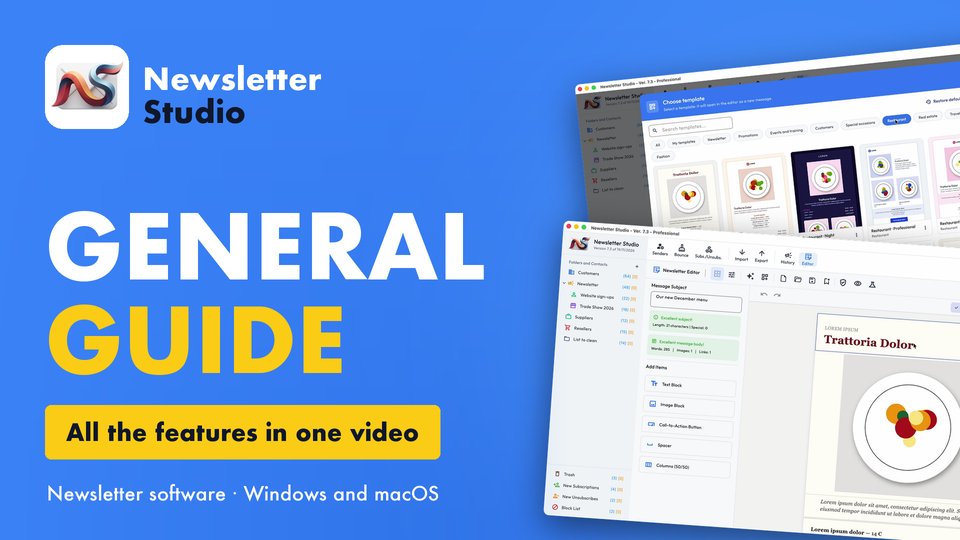
Newsletter Studio - General guide: all the features in one video
Discover in a few minutes all the main features of Newsletter Studio, the software to create, send and measure your newsletters directly from your…
Watch the video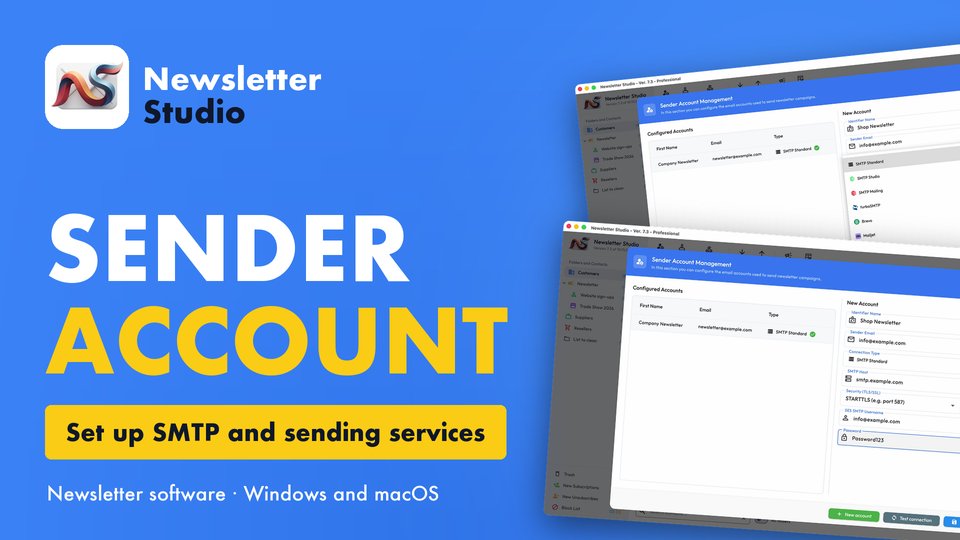
Newsletter Studio - How to create a sender account (SMTP, Brevo, Mailgun and more)
In this guide we see step by step how to create a sender account in Newsletter Studio, the email address your newsletters are sent from.
Watch the video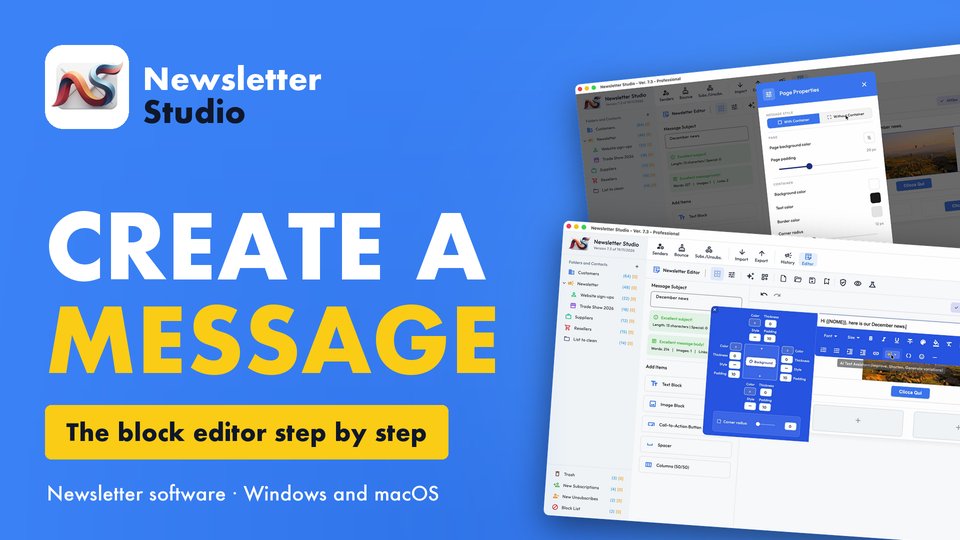
Newsletter Studio - How to create a message with the block editor
A complete guide to the Newsletter Studio editor: how to create a professional newsletter from scratch, compatible with all email programs and easy…
Watch the video