Newsletter Studio - How to create a bounce account for undelivered emails
When a message can't be delivered, the mail server sends back an error email: the bounce. In this guide we see how to set up a bounce account in Newsletter Studio, so your list cleans itself and the reputation of your sender address stays high.
We look at the POP3 mailbox details, the options for what to do with unreachable contacts (delete the messages from the server, move the contact to the Trash, add it to the Block List), the connection test, and the manual and automatic bounce checks.
Video chapters
- 0:00 Introduction
- 0:30 Bounce account management
- 0:53 POP3 mailbox details
- 1:17 Username and password
- 1:31 Contact options
- 1:58 Saving the account
- 2:11 Connection test
- 2:37 Checking bounces
- 2:57 Automatic check
- 3:10 Deleting the account
- 3:28 Conclusion
Useful resources
Download Newsletter StudioTopics covered
Watch other videos
Discover the other available guides
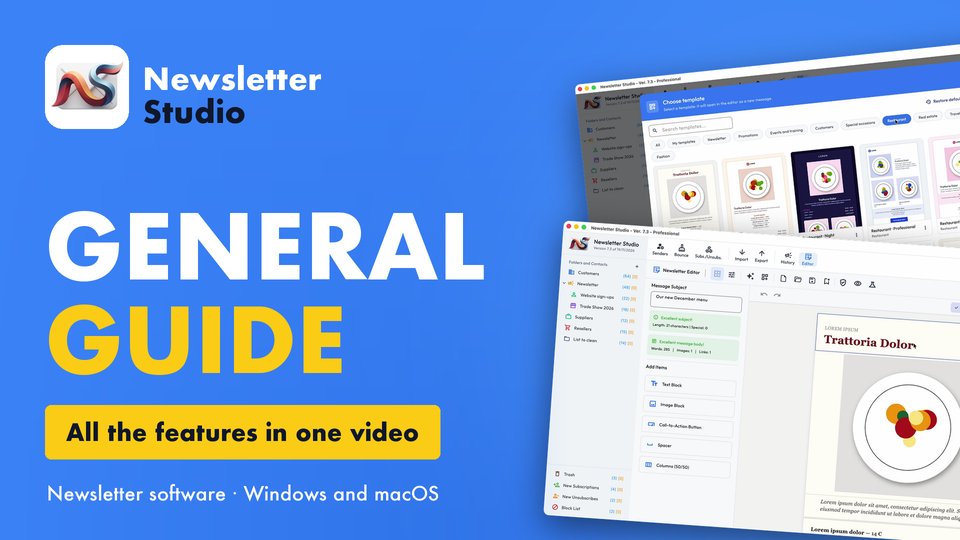
Newsletter Studio - General guide: all the features in one video
Discover in a few minutes all the main features of Newsletter Studio, the software to create, send and measure your newsletters directly from your…
Watch the video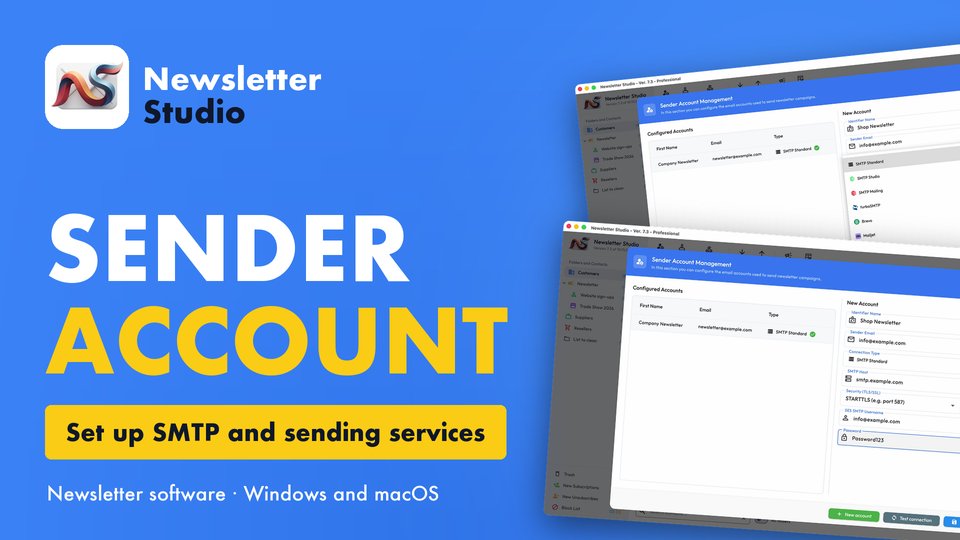
Newsletter Studio - How to create a sender account (SMTP, Brevo, Mailgun and more)
In this guide we see step by step how to create a sender account in Newsletter Studio, the email address your newsletters are sent from.
Watch the video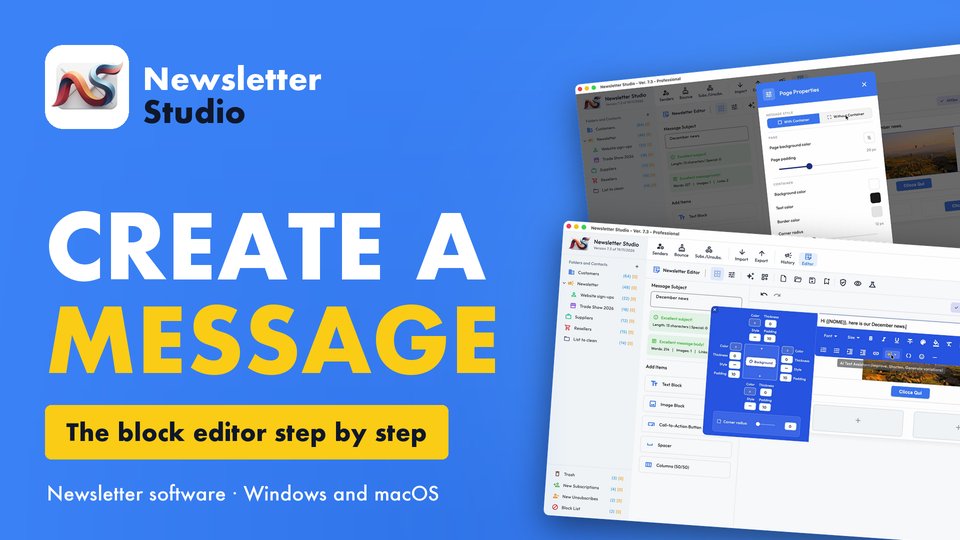
Newsletter Studio - How to create a message with the block editor
A complete guide to the Newsletter Studio editor: how to create a professional newsletter from scratch, compatible with all email programs and easy…
Watch the video