Newsletter Studio - Check Spam Score: test your message before sending
In this guide we see how to check the spam score of a newsletter with Newsletter Studio, so it doesn't end up in the junk folder.
We look at the subject and body analyzers, the full analysis with SpamAssassin, the score, the checks passed, the anti-spam engine notes and the practical suggestions to fix the message, with an example of a badly written subject and how to correct it.
Video chapters
- 0:00 Introduction
- 0:23 The sample message
- 0:37 Subject and text analyzers
- 0:57 Opening the check
- 1:18 The score
- 1:39 Checks passed
- 1:55 Engine notes
- 2:08 A bad subject
- 2:28 Suggestions
- 2:47 Fixing and analyzing again
- 3:21 SPF, DKIM and DMARC
Useful resources
Download Newsletter StudioTopics covered
Watch other videos
Discover the other available guides
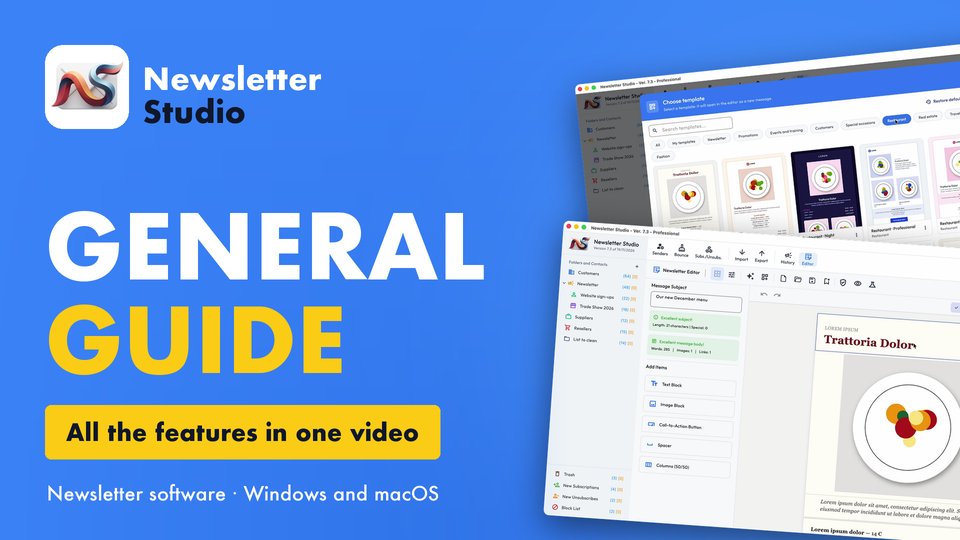
Newsletter Studio - General guide: all the features in one video
Discover in a few minutes all the main features of Newsletter Studio, the software to create, send and measure your newsletters directly from your…
Watch the video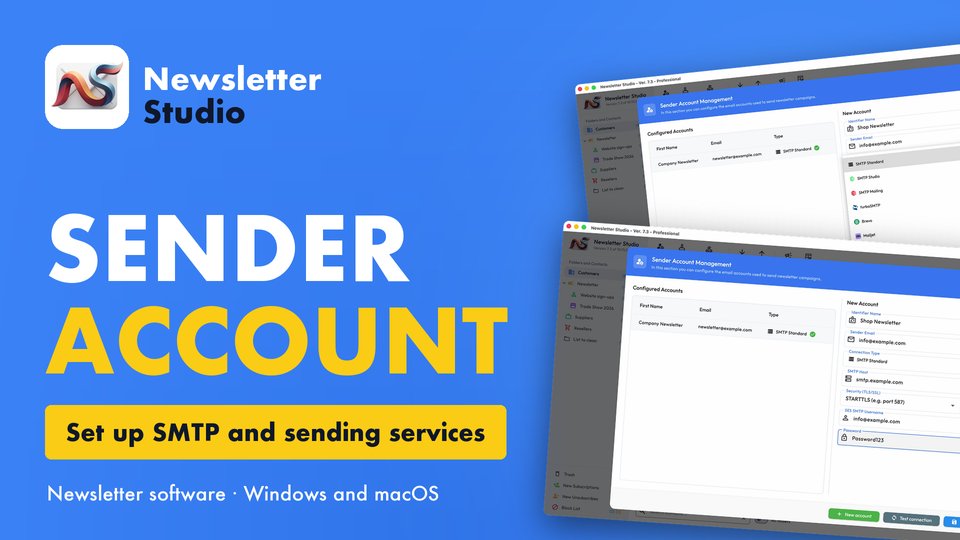
Newsletter Studio - How to create a sender account (SMTP, Brevo, Mailgun and more)
In this guide we see step by step how to create a sender account in Newsletter Studio, the email address your newsletters are sent from.
Watch the video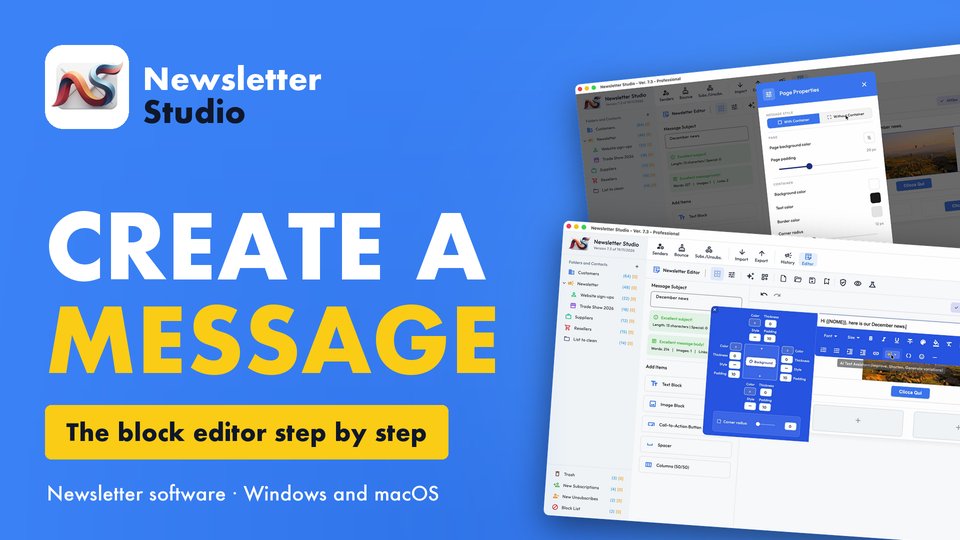
Newsletter Studio - How to create a message with the block editor
A complete guide to the Newsletter Studio editor: how to create a professional newsletter from scratch, compatible with all email programs and easy…
Watch the video