Newsletter Studio - Artificial intelligence: generate messages, improve texts and create variations
In this guide we look at the artificial intelligence features of Newsletter Studio.
We see how to generate a complete message from a description, choosing the tone of the communication and, if you like, a page of your website to draw inspiration from. Then the text assistant: improving a text, shortening it and getting three variations with different tones, while keeping the block's style. We also see how AI tokens work.
Video chapters
- 0:00 Introduction
- 0:21 AI tokens
- 0:42 Generate with AI
- 1:14 Drawing inspiration from a website
- 1:32 Describing the message
- 2:12 The generated message
- 2:32 Text assistant
- 2:54 Improving a text
- 3:11 Shortening a text
- 3:27 Generating variations
- 3:53 Applying the new text
- 4:12 Conclusion
Useful resources
Download Newsletter StudioTopics covered
Watch other videos
Discover the other available guides
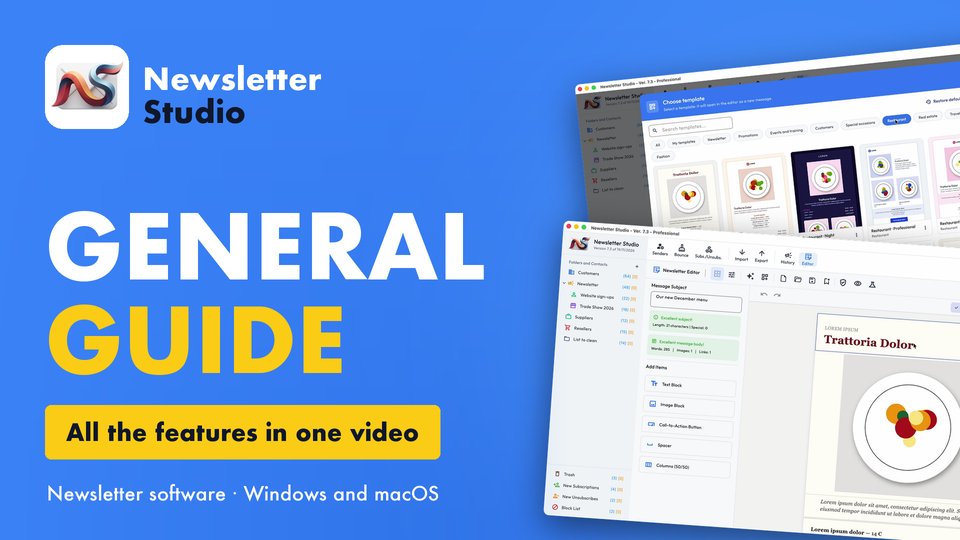
Newsletter Studio - General guide: all the features in one video
Discover in a few minutes all the main features of Newsletter Studio, the software to create, send and measure your newsletters directly from your…
Watch the video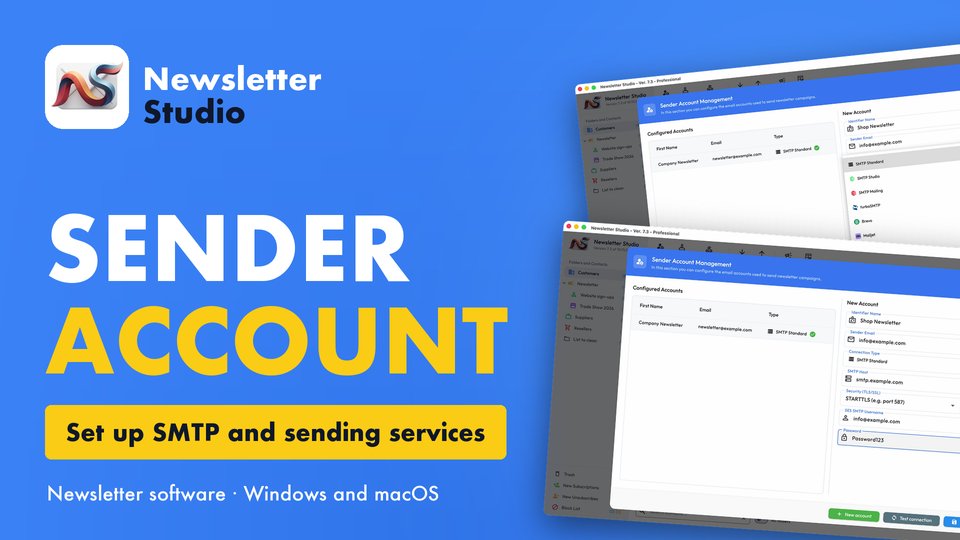
Newsletter Studio - How to create a sender account (SMTP, Brevo, Mailgun and more)
In this guide we see step by step how to create a sender account in Newsletter Studio, the email address your newsletters are sent from.
Watch the video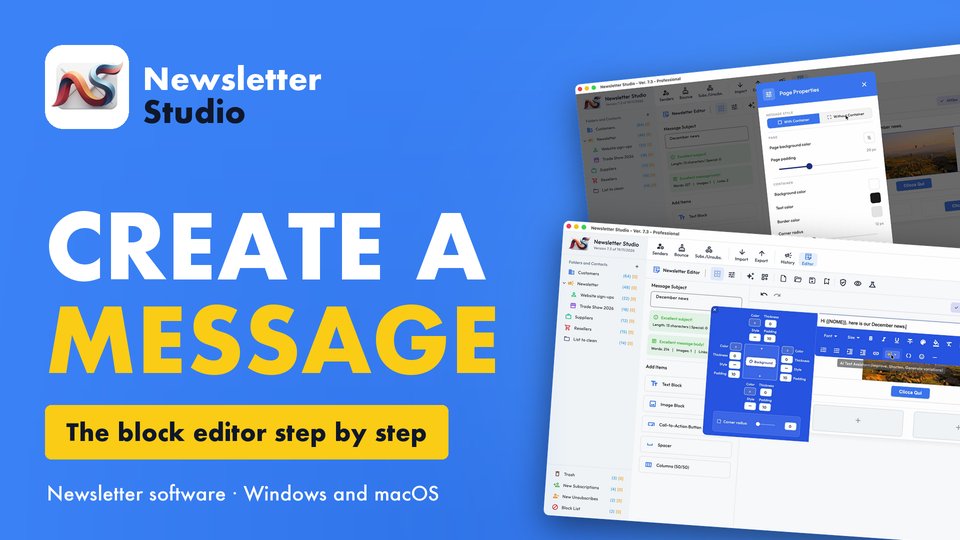
Newsletter Studio - How to create a message with the block editor
A complete guide to the Newsletter Studio editor: how to create a professional newsletter from scratch, compatible with all email programs and easy…
Watch the video