Newsletter Studio - Add contacts and manage your mailing list
In this guide we see how to organize your mailing list with Newsletter Studio: unlimited contacts, saved on your computer.
We look at folders and subfolders, creating a new folder, the right-click menu, adding a contact by hand with its consents (opt-in, GDPR and tracking), importing from CSV and Excel files with duplicate handling, the grid with in-place editing, search, moving contacts between folders, the trash, checking the quality of your list and the special folders New Subscriptions, New Unsubscribes and Block List.
Video chapters
- 0:00 Introduction
- 0:20 Folders and counters
- 0:41 Creating a folder
- 1:03 Folder menu
- 1:20 Adding a contact
- 1:49 Consents and saving
- 2:07 Importing from a file
- 2:31 Preview and duplicates
- 3:06 The contact grid
- 3:24 Searching for a contact
- 3:38 Selecting and moving
- 4:01 Trash and restore
- 4:26 Check contacts
- 5:01 Special folders
- 5:23 Conclusion
Useful resources
Download Newsletter StudioTopics covered
Watch other videos
Discover the other available guides
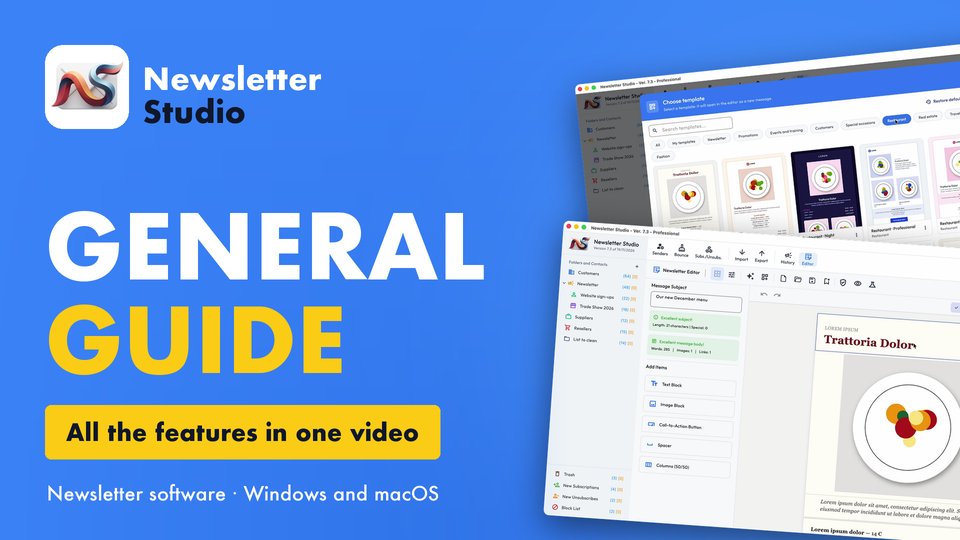
Newsletter Studio - General guide: all the features in one video
Discover in a few minutes all the main features of Newsletter Studio, the software to create, send and measure your newsletters directly from your…
Watch the video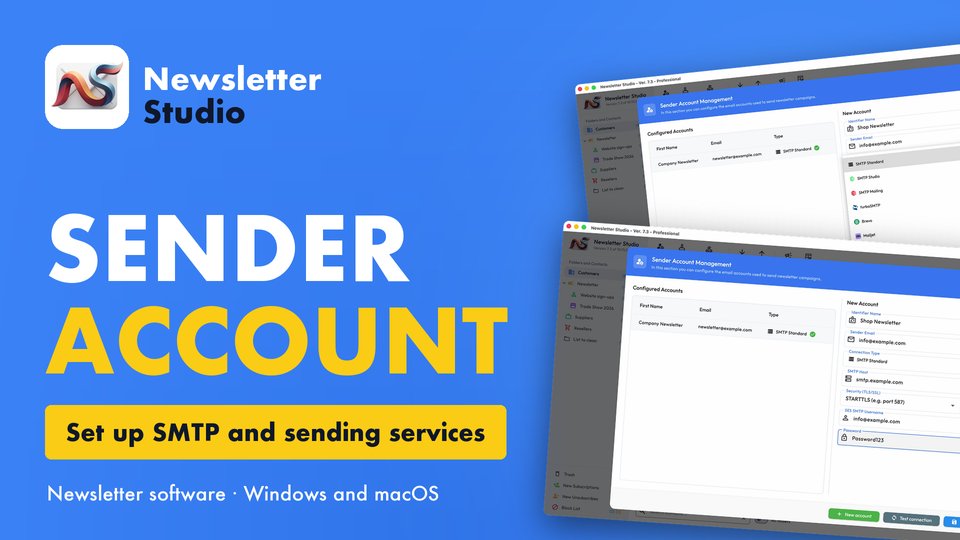
Newsletter Studio - How to create a sender account (SMTP, Brevo, Mailgun and more)
In this guide we see step by step how to create a sender account in Newsletter Studio, the email address your newsletters are sent from.
Watch the video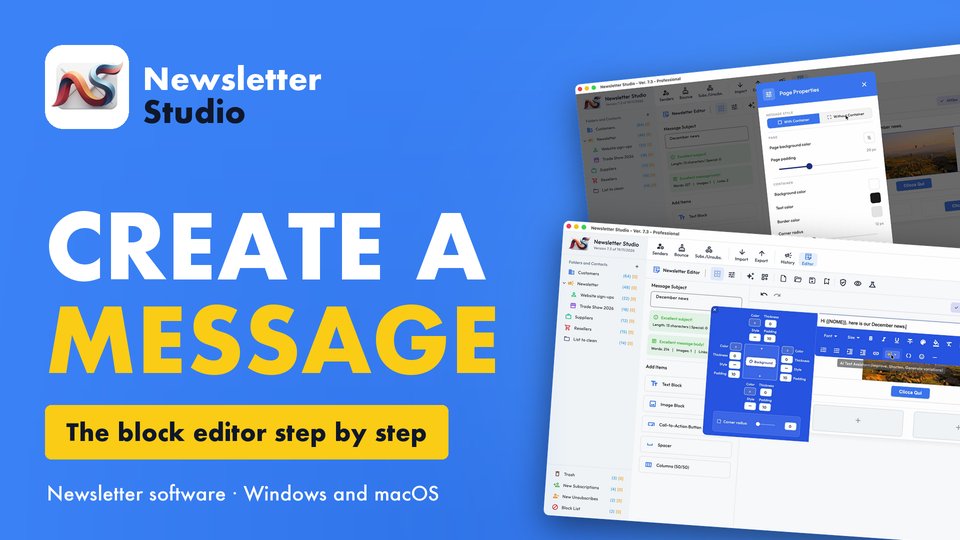
Newsletter Studio - How to create a message with the block editor
A complete guide to the Newsletter Studio editor: how to create a professional newsletter from scratch, compatible with all email programs and easy…
Watch the video